
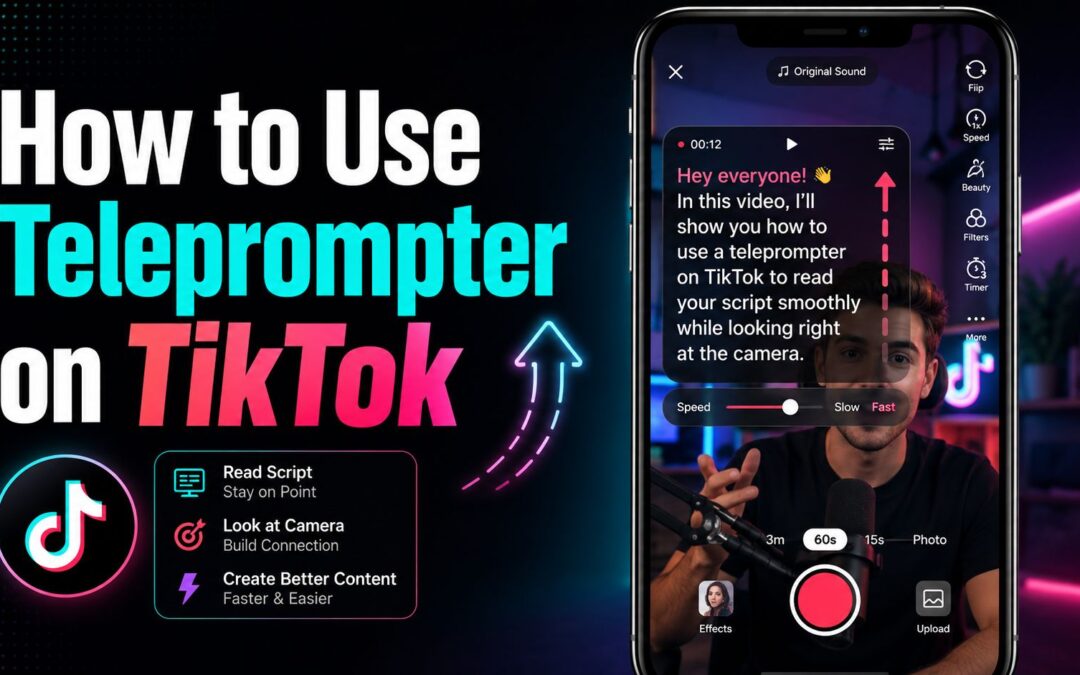
Learning how to use teleprompter on tiktok can make recording videos much easier, especially when you want to speak clearly without memorizing every line. It helps creators stay on message, reduce mistakes, and finish takes faster.
TikTok’s built-in teleprompter feature is designed for talking-head videos, tutorials, product reviews, and personal stories. Instead of looking away at notes, you can keep your eyes near the camera while your script scrolls on screen.
For beginners, the biggest advantage is confidence. A teleprompter lets you focus on tone, delivery, and pacing rather than worrying about forgetting what comes next in the middle of a recording.
Whether you are posting for fun, building a brand, or creating business content, using the feature correctly can improve video quality. Once you understand the setup, speed controls, and script formatting, the process becomes simple and repeatable.
The teleprompter on TikTok works inside the in-app recording flow. After opening the camera and choosing the standard recording mode, you can add your script before filming so the text appears while you speak.
This feature is most useful when your content depends on exact wording. If you are sharing step-by-step advice, delivering a call to action, or explaining a product, a teleprompter helps you stay precise.
Good results start with a script that sounds natural when spoken aloud. Short sentences, simple phrasing, and clear pauses are easier to read on screen than long paragraphs packed with too much information.
It also helps to break your message into small sections. When each line covers one idea, you can maintain eye contact more easily and avoid sounding stiff or overly rehearsed.
Before posting, record a test clip and listen back. Even if the words are correct, your pacing, expression, and energy matter just as much as the script itself when you want the final video to feel engaging.
How do you use TikTok’s teleprompter?
Open The TikTok Camera
Start by launching TikTok and tapping the plus icon to create a new video. Make sure you are in a recording mode that supports spoken content, since the teleprompter is typically used during direct-to-camera filming rather than heavily edited montage clips.
Write Or Paste Your Script
Enter the exact text you want to say before you begin recording. If you already drafted your caption or talking points elsewhere, paste them into the teleprompter field and clean them up so the wording sounds conversational instead of overly formal.
Adjust The Reading Speed
Set the teleprompter speed based on how you naturally speak. A speed that is too fast will make you rush, while a speed that is too slow can create awkward pauses, so test it until the scrolling matches your normal speaking rhythm.
Position Yourself Correctly
Hold the phone at eye level and keep your face centered in the frame. This setup makes it easier to read the script while still appearing to look at the camera, which helps your video feel more direct and natural to viewers.
Record In Short Segments
If your message is longer, do not force yourself to capture everything in one perfect take. Record shorter sections, pause when needed, and redo any part that sounds flat, since shorter takes usually improve clarity and reduce stress.
Review Your Eye Contact
After recording, watch for moments when your eyes seem to move too obviously across the screen. Small shifts are normal, but if the reading pattern is distracting, trim the script or slow the pace so your gaze looks steadier.
Edit Before Publishing
Once the recording is done, use TikTok’s editing tools to tighten the final result. Add captions, cut long pauses, improve timing, and choose a cover image so the finished video looks polished instead of simply read from a script.
Why does teleprompter improve TikTok videos?
1. A teleprompter helps you deliver your message with fewer mistakes, which reduces the number of retakes and saves time during filming.
2. It improves consistency because you can repeat key phrases, brand messaging, or product details the same way across multiple videos.
3. It makes beginners feel more confident on camera because they do not have to rely entirely on memory while recording.
4. It supports clearer calls to action by letting you place important words exactly where you want them in the script.
5. It creates a smoother workflow for creators who publish often and need a reliable way to produce talking videos quickly.
What should you prepare before recording?
- Short script: Write concise lines that sound like natural speech, because long and crowded sentences are harder to read smoothly on camera.
- Clear hook: Place your strongest opening sentence first so you capture attention immediately while the viewer decides whether to keep watching.
- Quiet setting: Choose a location with minimal background noise so your voice stays crisp and the teleprompter effort is not wasted by poor audio.
- Stable lighting: Use even front-facing light to keep your face visible and professional, especially for tutorial or business-focused TikTok content.
- Phone placement: Set your camera at eye level on a tripod or stable surface so reading the script does not make your gaze look too low or too high.
- Practice round: Read through the script once before recording so you can catch awkward wording and adjust the teleprompter speed more accurately.
- Backup plan: Keep a shortened version of the script ready in case the original feels too long and needs to be trimmed for better delivery.
Best ways to sound natural on camera
Use Conversational Language
The best teleprompter scripts sound like real speech, not like a formal essay. Write the way you talk, use contractions when appropriate, and avoid overly technical phrasing unless your audience expects that style.
Build In Breathing Pauses
Add natural pause points between ideas so you do not race from one sentence to the next. These pauses improve clarity, make editing easier, and help your delivery sound more confident instead of robotic.
Emphasize Key Words
When reading from a screen, it is easy to flatten your tone. Mark important words mentally and stress them slightly so your message has energy, direction, and a stronger emotional connection with the viewer.
Trim Unnecessary Filler
Extra phrases such as repeated introductions, weak transitions, or vague explanations can slow down your video. A tighter script is easier to read and usually performs better because TikTok rewards content that gets to the point quickly.
Match Script To Video Length
A common mistake is writing more than you can comfortably say within the target length. Estimate your speaking time in advance and shorten the draft until it fits naturally without forcing you to rush through the ending.
Keep Your Expression Active
A teleprompter should support your delivery, not replace your personality. Smile when appropriate, vary your facial expression, and use small gestures so the video feels engaging and human rather than purely scripted.
Refine With Multiple Takes
Even experienced creators rarely keep the first version without adjustment. Record a few takes with small changes in speed, emphasis, and posture, then choose the one that looks the most natural and sounds the most confident.
Understanding how to use teleprompter on tiktok gives you a practical advantage when creating spoken videos. It helps you stay organized, reduce retakes, and communicate more clearly without depending only on memory.
The key is not just turning the feature on, but using it well. A short script, proper speed, steady camera placement, and natural delivery make a noticeable difference in the final result.
As you practice, you will get better at writing for the screen and speaking in a way that feels relaxed. That combination is what turns a useful tool into a real content workflow.
If you want more polished TikTok videos with less stress, the teleprompter feature is worth using regularly. With a few simple adjustments, it can help your content look more confident, professional, and easy to follow.
FAQs About how to use teleprompter on tiktok
Where is the teleprompter feature on TikTok?
The teleprompter feature is typically found within TikTok’s video creation tools when you start recording a new video. Depending on app updates and device type, the exact placement may vary, so you should check the recording screen options after tapping the plus icon.
Can I change the teleprompter speed on TikTok?
Yes, TikTok usually allows you to adjust the scrolling speed so the script matches your speaking pace. Testing different speeds before the final take is important because a poor speed setting can make your delivery sound rushed or unnatural.
Why do my eyes look like I am reading?
This usually happens when the script is too long, the speed is off, or the phone is not positioned correctly. Keeping the device at eye level and shortening the text often makes your eye movement less noticeable.
Should I write a full script or just bullet points?
That depends on your speaking style and the type of content you are making. A full script works well for precise messaging, while short talking points may be better if you want a looser and more spontaneous tone.
Is the TikTok teleprompter good for business content?
Yes, it is especially useful for business content such as product explanations, service introductions, educational clips, and promotional videos. It helps you stay on message and deliver important details clearly.
Can beginners use a teleprompter on TikTok effectively?
Yes, beginners often benefit the most because the feature reduces pressure during recording. With a simple script and a little practice, new creators can look more confident and structured on camera.
What is the best script length for TikTok teleprompter videos?
The best script length is one you can read comfortably without sounding rushed. In most cases, shorter scripts perform better because they are easier to deliver naturally and align well with TikTok’s fast-paced viewing behavior.